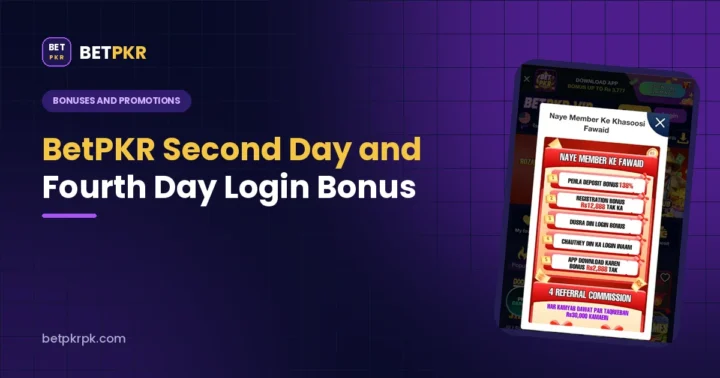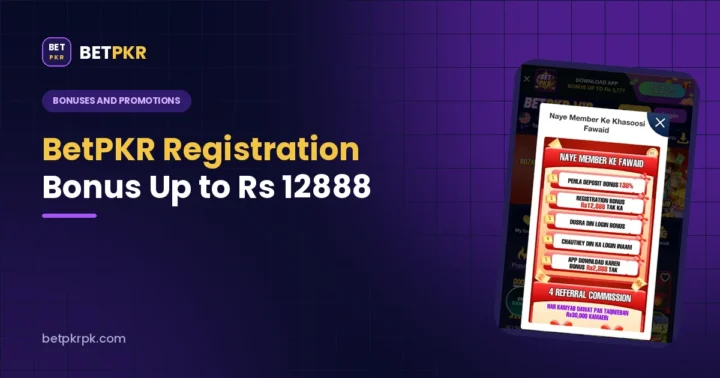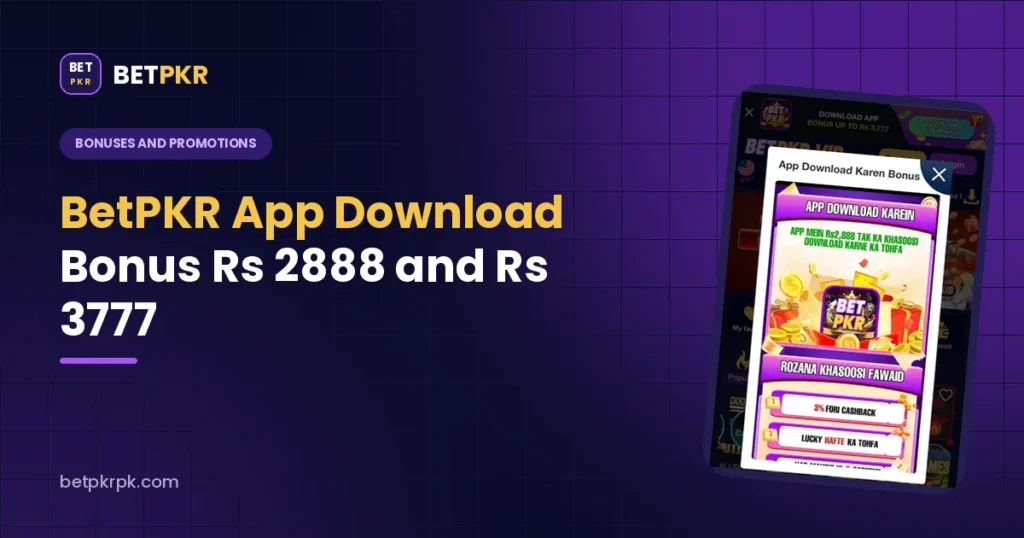
BetPKR advertises its app with two different numbers. The strip at the very top of the home screen says Download App Bonus up to Rs 3,777. The popup titled App Download Karen Bonus says the app gives a special download gift of up to Rs 2,888, and the new member list repeats Rs 2,888 as reward five. This article explains how to read the two figures and claim what you are entitled to.

Two Numbers Side by Side
| Where you see it | Amount | Likely meaning |
|---|---|---|
| Top strip on the home screen | Up to Rs 3,777 | The highest combined app reward advertised |
| App Download Karen Bonus popup | Up to Rs 2,888 | The download gift itself |
| New member list item five | Up to Rs 2,888 | The same download gift |
Both are written with the word up to, so neither is a fixed payment. The likeliest reading is that Rs 2,888 is the download gift and Rs 3,777 is a broader app reward that may include other app linked benefits. The card inside the app is the only reliable source, so open it before you plan around either figure.
What the Popup Adds
Under the download gift the popup lists Rozana Khasoosi Fawaid, special daily benefits that come with using the app. The first is 3 percent instant cashback and the second is the Lucky Week gift. These benefits are part of the reason the platform wants players on the app rather than the browser, because app users tend to return more often.
How to Claim the Download Bonus
- Install BetPKR from the official Download Claim Now button.
- Log in inside the app, not in the browser.
- Open Promotion or Reward and find the app download offer.
- Complete any condition on the card, which may include a deposit.
- Claim the reward and check the amount and turnover in Member.
Common Reasons the Bonus Does Not Appear
- You logged in through the browser instead of the installed app.
- The offer needs a deposit that has not been made yet.
- The account already claimed an app reward earlier.
- The offer period ended or changed.
If you completed the steps and nothing appears, contact customer service with a screenshot of the card and your username.
Is It Worth Installing for the Bonus
If you plan to play on your own phone anyway, installing the app costs nothing and can add a reward. If you only play now and then, the browser is fine and the bonus is not a reason to deposit more. Install for convenience first and treat the bonus as a welcome extra.
Install Safely Even for a Bonus
A bonus is never worth a risky file. Scam groups often use phrases like claim your Rs 3,777 now to push fake APKs. The only safe source is the Download Claim Now button on the official BetPKR page or the APP button on iPhone. If someone sends you a file and promises a bigger download bonus than the app shows, delete it.
Once installed, keep the app updated from the same official button so the bonus and the daily benefits keep working as described.
Frequently Asked Questions
Is the BetPKR app bonus Rs 2,888 or Rs 3,777?
Both appear as upper limits in different places. The card in the app decides the real amount.
Do I need to deposit to get it?
Check the card. Many app rewards are linked to a deposit.
Can I get it on iPhone?
Use the APP option on iPhone and check the card, since the panel labels APP with Enjoy more benefits.
Read next BetPKR App Download BetPKR APK for Android
Opens the official BetPKR download page. Customer service is one tap away if you get stuck.