
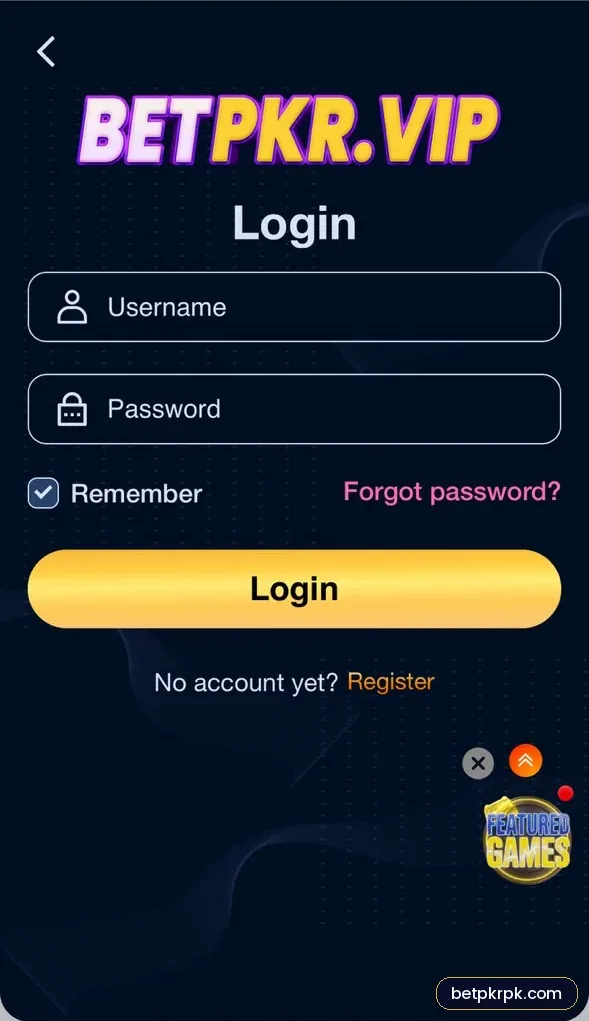
The BetPKR login screen is simple: a username, a password, a Remember box and a Forgot password link. This page shows how to sign in on the app and the browser, how to keep the account safe on shared phones and what to do when the login does not work.
Log In Step by Step
- Open BetPKR from the official link or the installed app.
- Tap the purple Login button.
- Enter your Username and Password.
- Leave Remember ticked only on your own phone.
- Tap the yellow Login button.
Remember Me on Shared Phones
The Remember box is ticked by default in the app. That is convenient on your own phone but risky on a phone that family members or friends also use, because the next person can open your account without typing anything. Untick it before you log in on a shared device, and sign out when you finish.
Forgot Password
Tap the pink Forgot password link under the password field and follow the steps the app shows. If recovery does not work, contact customer service with your username and any deposit details that prove the account is yours. Our forgot password article explains the process and the details support may ask for.
Login Problems and Fixes
| Problem | Fix |
|---|---|
| Wrong username or password | Check capital letters and spaces, then try again slowly |
| Page does not open | Try the installed app or another official link |
| Logged out often | Tick Remember on your own phone and avoid private browsing |
| Account locked | Wait a few minutes, then use Forgot password or contact support |
Keep the Account Safe
- Never share your password, even with a person who says they are an agent or support.
- Log in only from the official link, the installed app or a bookmark you saved.
- Use a password that you do not use for email, banking or social media.
- Check your balance after logging in on a new device.
Want BetPKR in Urdu? The language panel offers English and Urdu, explained in our language article. Live help is here: BetPKR customer service.
Frequently Asked Questions
What do I need to log in to BetPKR?
Your username and password.
Can I log in on two phones?
Yes. Use the same username and password, and untick Remember on a phone that is not yours.
Is the app login the same as the website login?
Yes. One account works in both.
Opens the official BetPKR download page. Customer service is one tap away if you get stuck.