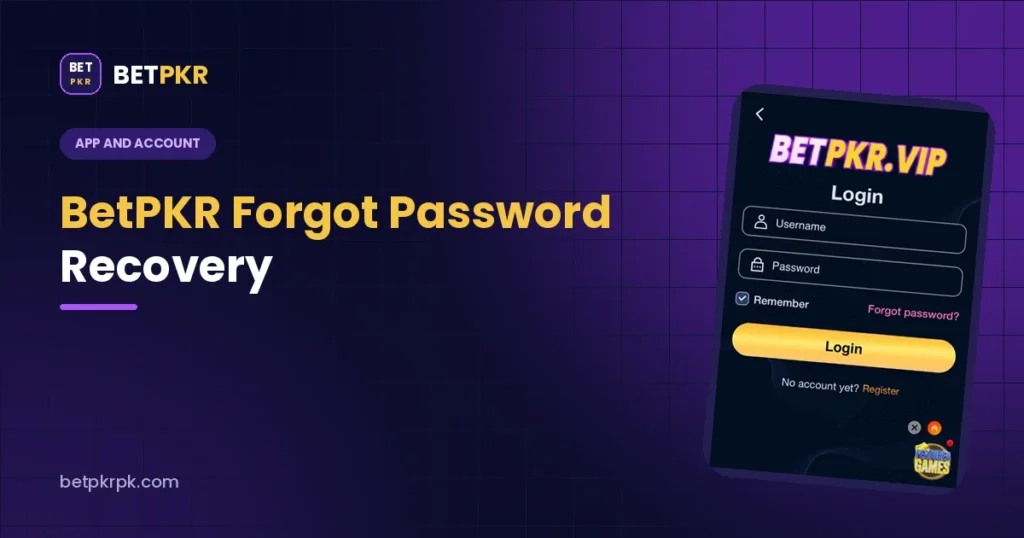
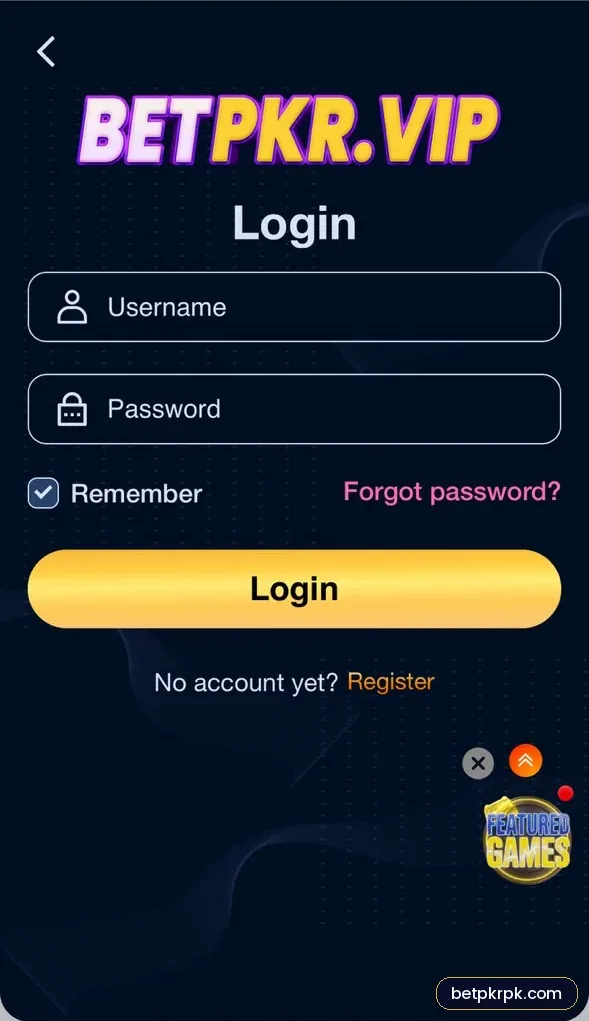
Typing the wrong password two or three times is common, especially after a few days away. The BetPKR login screen has a pink Forgot password link right under the password field for exactly this situation. This article walks through recovery, what to do if the link does not solve it and how to stop it happening again.
First Check the Simple Things
- Make sure Caps Lock is not on and the keyboard is set to English letters.
- Check that your username is spelled exactly as you registered it.
- Look for an extra space at the end of the username or password.
- Try the installed app if the browser fails, or the other way round.
A surprising number of login failures come from autocorrect changing the first letter of the username to a capital, or from a phone keyboard adding a space after a word. Slow down and type each character.
Using the Forgot Password Link
- Tap the pink Forgot password link on the login screen.
- Enter the username for the account you want to recover.
- Follow the verification steps the app shows.
- Set a new password that you have not used anywhere else.
- Log in with the new password and keep it somewhere safe.
When Recovery Needs Customer Service
If the link cannot verify you, contact customer service through the Services shortcut or the official support link. Support may ask you to prove ownership with information only the real owner would know, such as the time and amount of a recent deposit, the payment method used or the date the account was created. Give those details in one message to save time. Never send your old password, and never pay anyone who offers to unlock an account for a fee.
| Helpful detail | Why support asks |
|---|---|
| Username | Identifies the account |
| Last deposit amount and time | Proves you used the account |
| Payment method | Matches the deposit record |
Preventing the Next Lockout
Store your login details in a password manager, tick Remember only on your own phone and avoid changing the password often for no reason. If you keep the username simple from the start, recovery is rarely needed at all.
Avoiding Recovery Scams
People who lose access to an account are an easy target for scammers. Fake agents in groups and comment sections promise to restore any BetPKR account in minutes if you send a small fee or your old password. None of these offers are real. They either take the fee and disappear or use the details to empty the account once it is recovered.
- Only use the Forgot password link inside the app or the official customer service link.
- Never pay a recovery fee to a person.
- Never send a screenshot that shows your full username and balance in a public group.
- If someone contacts you first about a locked account, ignore the message.
If recovery takes a day or two, use that time to set a stronger password plan. The account will still be there, and a calm recovery through official channels is always safer than a fast one through a stranger.
Once you are back in, note the date you reset the password and keep the new one only in your password manager or notebook. If you ever need support again, being able to say when the last reset happened helps them confirm the account history quickly.
Frequently Asked Questions
Where is the Forgot password link on BetPKR?
On the login screen, under the password field on the right.
Will resetting my password affect my balance?
No. Your balance and rewards stay the same.
Someone offered to recover my account for money. Is it real?
No. Recovery goes through the app and official customer service only.
Read next BetPKR Login Safe username and password
Opens the official BetPKR download page. Customer service is one tap away if you get stuck.