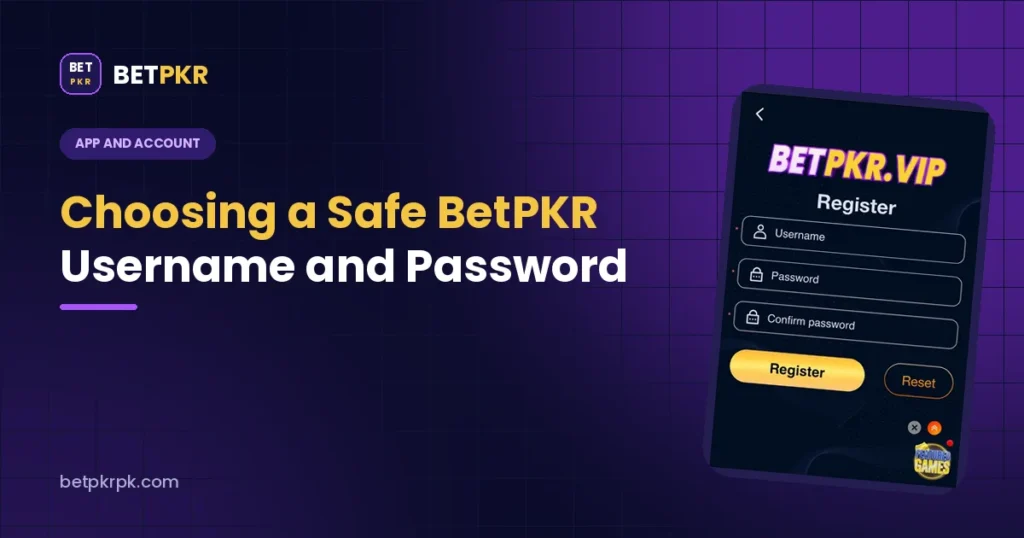
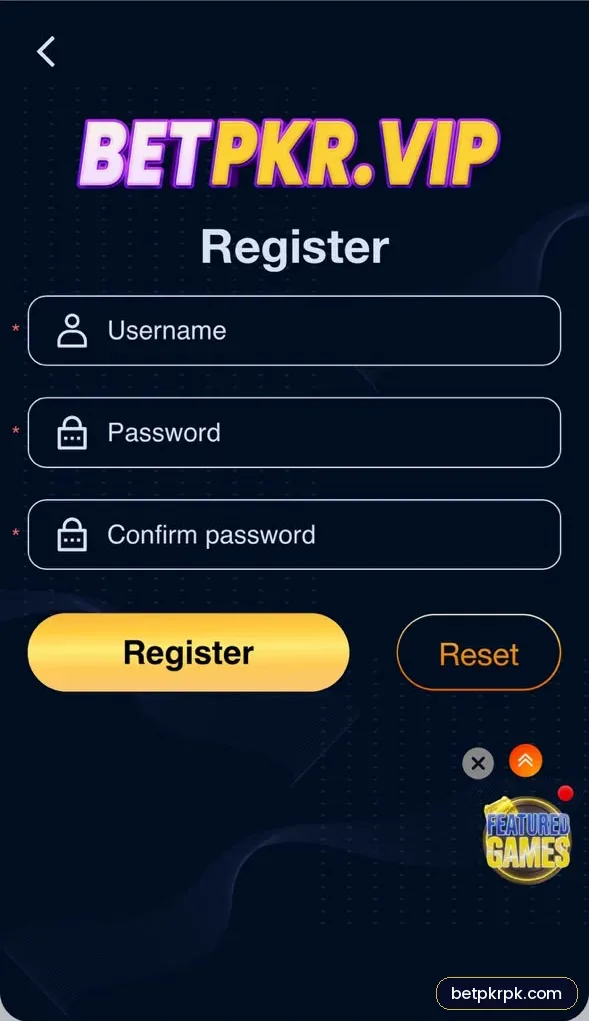
The BetPKR register form asks for only two pieces of information: a username and a password. There is no phone number on the login screen, which makes those two details the entire key to your account. A careless choice now can lock you out later or let someone else in. This article shows how to choose both well.
Why the Username Matters More Here
Many apps let you log in with a phone number and send a code when you forget. BetPKR signs you in with the username you type at registration. If you forget it, recovery becomes harder because you have to prove the account belongs to you. That is why the username should be easy for you to remember exactly, including capital letters, while still not revealing who you are to anyone reading over your shoulder.
Good and Weak Username Examples
| Weak choice | Why it is weak | Better idea |
|---|---|---|
| Your full name | Easy for others to guess and reveals identity | A nickname plus two numbers |
| Your phone number | Exposes a private number | A word you like plus a short number |
| Random letters | Easy to forget | Two simple words joined together |
Building a Strong Password
- Use at least eight characters, and longer is better.
- Mix lowercase letters, uppercase letters and numbers.
- Avoid your birthday, your name, 123456 or the word password.
- Do not reuse the password from your email, bank or social media.
- A short phrase with a number, such as three words joined together, is strong and memorable.
Storing Your Details Safely
Write the username and password in a password manager or in a notebook kept at home. Avoid saving them in a chat with yourself on a messaging app, because anyone who opens that phone can read them. If you share a phone with family, untick Remember on the login screen and sign out after each session. Never send your password to anyone, including people who say they are agents or customer service. Real support does not need it.
Changing a Weak Password
If you already registered with a weak password, change it from the Member area as soon as you can, or ask customer service how to update it. Choose the new password using the rules above, and log out of any phone you no longer use.
Signs Someone Else Used Your Account
Check your history in the Member area every week. A deposit you did not make, a withdrawal you did not request or a bonus claimed while you were away all suggest that someone else has your details. If you see anything like that, change the password at once from a phone only you use, log out of shared devices and contact customer service with the times of the activity you do not recognise.
Prevention is simpler than repair. Keep the password private, never type it into a site that arrived through a message, and remember that real BetPKR support never asks for your password. A strong pair of login details plus a weekly look at your history covers almost every risk an ordinary player faces.
One more practical tip: test your new details straight away. Log out after registering and log back in by typing the username and password by hand, without autofill. If you can do it from memory once, you are far less likely to be locked out after a week away from the app.
Frequently Asked Questions
Can I log in to BetPKR with my phone number?
The login screen shown in the app asks for a username and password.
Is the username case sensitive?
Treat it as case sensitive and type it exactly as you registered to avoid errors.
What if I forget my username?
Contact customer service with any details you remember, such as deposit times and amounts.
Read next BetPKR Register BetPKR Forgot Password
Opens the official BetPKR download page. Customer service is one tap away if you get stuck.